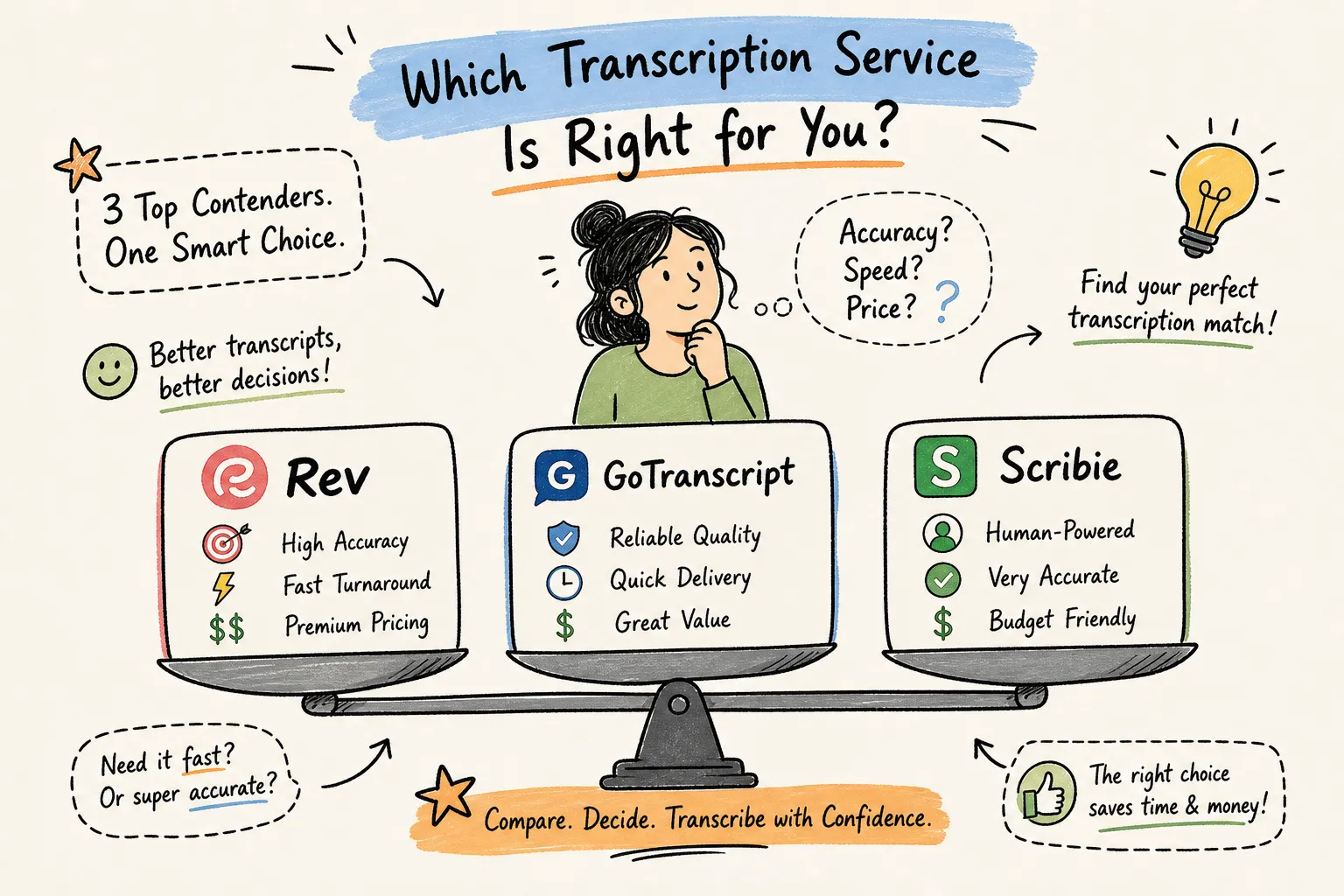
This Rev GoTranscript Scribie comparison breaks down pricing, accuracy, turnaround, and compliance so you can pick the right transcription service for your workflow. For speed and simplicity, Rev is the clearest all-around choice. GoTranscript wins on price for anyone handling volume. Scribie is the lowest-cost entry point for budget-first freelancers, though add-ons close that gap fast. Those three sentences cover the headline verdict, but they don't tell the full story.
The comparison goes deeper than rates. Each platform runs on a distinct style guide with different rules for speaker labels, verbatim levels, filler word handling, and timestamp placement. A freelancer working across all three has to mentally reset their formatting habits with every job, and one missed rule, wrong verbatim level, wrong bracket convention, wrong speaker label syntax, can trigger formatting penalties or revision requests.
Below, we break down pricing, accuracy, turnaround, and compliance for all three platforms in this Rev vs GoTranscript vs Scribie comparison. We also cover where their style guide differences cause the most friction for freelancers and agencies, and how to run a quick test before committing to any provider.
Working across Rev, GoTranscript and Scribie? Guideline Format has built-in presets for all three. Pick the platform, upload your draft, and review the flagged edits before you submit. Format to a platform's style guide →
Key takeaways
- Rev for predictability: Flat $1.99/min human rate, 12-hour standard turnaround, and the strongest documented compliance posture of the three.
- GoTranscript for volume: Meaningful volume discounts start at 2,500+ minutes, with the lowest AI rate of the group at $0.20/min pay-as-you-go.
- Scribie for entry-level files: The $0.80/min base rate is the lowest published figure, but model the add-ons before assuming it stays cheapest.
- Accuracy varies by audio type: Human-reviewed transcripts outperform raw AI on noisy or multi-speaker recordings across all three platforms.
- Style guide compliance is the hidden cost: Platform-switching errors cost time in revisions; formatting tools that hold each platform's rules eliminate that cost.
Rev GoTranscript Scribie comparison: how do the prices stack up?
Rev charges $1.99 per minute for human transcription and $0.25 per minute for automated transcription.
GoTranscript's pricing layers by turnaround and volume. GoTranscript's published starting figures vary by turnaround, language, and configuration, so always confirm your quote at checkout before ordering.
Scribie's $0.80 per minute base rate is the lowest published figure in this group, but it covers a hybrid AI-with-human-review service rather than a fully human transcript. Apply all three and the total reaches $3.05 per minute, which makes Scribie the most expensive of the three when extras are required.
Rev GoTranscript Scribie comparison: accuracy and turnaround
What accuracy can you realistically expect?
GoTranscript has the clearest independent human-transcription result of the three. Independent testing of multiple transcription services found GoTranscript's human transcripts accurate at over 99%, with only minor wording errors on clear interview audio. The same testing also found GoTranscript's AI transcription at 98.9%, though the platform notes its automated system can struggle when multiple people speak simultaneously.
Rev's automated system was tested in a 2026 speech-to-text accuracy benchmark at 97.1% on clean audio and 89.2% on noisy audio. Rev's vendor-cited figure for its human service is approximately 99%, but no independently published test exists that compares the same audio across all three human services. That independent testing noted that Scribie handled crosstalk and repetitive speech well in multi-speaker recordings, though no separate category-level word error rate was reported for Scribie.
The honest takeaway: "99% accurate" means different things when providers test different audio under different rules. The only defensible comparison is one you run yourself. Send the same 3-to-5-minute file covering clear audio, noisy audio, and a multi-speaker clip to each platform. Build a manually corrected reference transcript and calculate word error rate: WER equals substitutions plus deletions plus insertions, divided by the total number of words in the reference.
How fast will you get your transcript?
Rev delivers human transcripts within 12 hours as standard, with rush delivery available in as little as 2 hours. The surcharge for rush is not publicly listed; confirm at checkout. For many non-urgent projects, Rev's 12-hour standard removes the need to pay for rush at all.
GoTranscript's cheapest tier is 5-day delivery. Because Rev's rush surcharge is not publicly disclosed, GoTranscript's $2.75/min rush rate is higher than Scribie's clearly published $1.25/min priority surcharge and is the only explicitly priced expedited option among the three. Scribie's standard turnaround is approximately 24 hours, reduced to roughly 12 hours with priority processing at an additional $1.25 per minute.
| Platform |
Standard turnaround |
Fastest available |
Rush cost |
| Rev |
Up to 12 hours |
As little as 2 hours |
Not publicly stated; confirm at checkout |
| GoTranscript |
5 days (cheapest tier) |
Rush option |
$2.75/min rush rate |
| Scribie |
About 24 hours |
About 12 hours with priority |
$1.25/min priority surcharge |
Does this platform work for legal or medical files?
Rev has the strongest documented compliance posture of the three. It holds SOC 2 Type II certification, states GDPR-aligned practices, and offers HIPAA coverage through a Business Associate Agreement on a designated plan tier. Rev also explicitly states that it does not sell client data or use it to train external language models, which matters for clients with strict data-use restrictions.
GoTranscript states HIPAA and GDPR compliance, but its SOC 2 status is not publicly confirmed in available documentation. For any regulated healthcare content, obtain a written BAA from GoTranscript and request a current attestation report before uploading protected health information. Do not treat GoTranscript's general security claims as confirmation of SOC 2 certification without that documentation in hand. Scribie describes SOC 2-aligned technical controls but does not have confirmed SOC 2 Type II certification, HIPAA compliance, or GDPR compliance established in its public materials. Do not assume Scribie is compliant for regulated work.
On data deletion: GoTranscript purges data after service completion or on request, without a fixed default retention period. Scribie does not automatically delete data while an account is active; deletion requires a formal request followed by a seven-day grace period, with encrypted backups rolling on a 30-day cycle and billing records kept up to seven years. Rev permits user-initiated deletion, but exact retention periods should be confirmed in the contract or data processing agreement. For any regulated workflow, request the current DPA, BAA if applicable, and breach-notification terms from each provider before uploading sensitive audio.
Where these platforms differ most: style guides and formatting rules
The three platforms look similar at a surface level but apply meaningfully different formatting standards. Rev uses "Speaker 1:" syntax with a colon-and-space separator, requires consistent label casing throughout the file, and uses parentheses for non-speech sounds: (laughing), not [laughs]. GoTranscript defines clean verbatim precisely: remove fillers like "uh," "um," "you know," and "like" when they don't carry meaning, but keep emphatic repetition ("very, very happy") and retain expressions like "Oh my God" regardless of verbatim type. Scribie places a timestamp before each paragraph and starts a new paragraph whenever the speaker changes or every three minutes, whichever comes first.
For a freelancer working a single platform, those rules are manageable. For anyone working across two or three platforms at once, the differences create a consistent source of errors: wrong verbatim level, wrong bracket convention, wrong timestamp interval, inconsistent speaker labels. Each of those mistakes can trigger revision requests or an account flag. The problem compounds for agency owners managing multiple transcriptionists, each defaulting to slightly different habits from their primary platform.
VideoText, Transcript Formatter was built specifically to handle this problem. VideoText includes built-in formatting presets for Rev, GoTranscript, and Scribie. Upload a raw transcript, select the platform, and VideoText applies that platform's speaker label conventions, verbatim rules, and formatting standards automatically across the entire document. Any edit the tool is uncertain about gets flagged in a review panel before export, so the transcriptionist stays in control without manually re-reading every rule each time they switch jobs.
Open the Rev, GoTranscript or Scribie preset in Guideline Format → Preset details: Rev style guide, GoTranscript style guide, Scribie style guide.
Which platform fits your situation, and how to test before you commit
The right platform depends on your specific workflow. Here's how the use cases break down:
- Speed and simplicity: Rev.
- High-volume budget work: GoTranscript. Volume discounts kick in at 2,500+ minutes, and the AI rate is the lowest of the three.
- Entry-level budget on clean, simple files: Scribie.
- Legal or medical content: Rev, as the only platform with documented SOC 2 Type II and a formal HIPAA BAA tier. GoTranscript is a valid second option only after a written BAA is in place.
- Multi-platform freelance or agency work: Any combination of the three platforms works better when a formatting tool holds each platform's style guide rules automatically. See how freelance transcriptionists format transcripts faster and transcription agency software.
Before committing to any provider, run this validation sequence:
- Send the same 3-to-5-minute test file covering clear audio, noisy audio, and a multi-speaker clip to each shortlisted service.
- Calculate WER against a manually corrected reference transcript.
- Confirm compliance documentation (SOC 2 report, BAA, DPA) if the content is regulated.
- Check the actual checkout quote; GoTranscript's rate varies by language, turnaround, and volume tier.
- Review the deletion policy before uploading any sensitive client audio.
Wrapping it up: your pick and your next step
In this Rev GoTranscript Scribie comparison, Rev is the clearest all-around choice for speed, compliance, and predictable pricing. GoTranscript wins when volume drives the decision and a 5-day standard turnaround is acceptable. Scribie's $0.80/min base rate is genuinely competitive for straightforward files, as long as the add-ons don't apply.
Price and accuracy, though, are only two parts of the daily reality for anyone doing this work professionally. Style guide compliance is where the friction actually lives: wrong speaker label format, wrong verbatim level, missing timestamp, flagged submission. That friction multiplies when you work across all three platforms without a system to manage each platform's rules.
VideoText, Transcript Formatter holds the formatting rules for Rev, GoTranscript, and Scribie so you don't have to carry them in your head.
Format your next Rev, GoTranscript or Scribie job with Guideline Format → Free account, one run a day, no card needed.
Frequently Asked Questions
How exactly should we run the 3-to-5-minute WER test you recommend?
Run the WER test by sending the same 3-to-5-minute file (clear audio, noisy audio, and a multi-speaker clip) to each shortlisted service and build a manually corrected reference transcript to calculate word error rate. Use WER = substitutions + deletions + insertions divided by total words in the reference, and compare results across the three platforms to see how each handles your specific audio types.
What extra costs make Scribie end up more expensive than its $0.80/min base rate?
Add-ons can push Scribie's $0.80/min base rate up to a total of $3.05 per minute when applied. You should model the likely add-ons for your files before assuming Scribie will remain the cheapest option.
How do style guide differences actually cause problems for agencies managing multiple transcriptionists?
Style guide differences cause frequent formatting errors, wrong verbatim level, wrong bracket convention, wrong timestamp interval, or inconsistent speaker labels, which trigger revision requests or account flags. That friction multiplies across teams because each transcriptionist applies the habits of their primary platform, increasing rework and quality-control overhead for agency owners.
Can VideoText, Transcript Formatter solve the platform-switching formatting issues for our team?
Yes, VideoText, Transcript Formatter handles platform-switching by including built-in formatting presets for Rev, GoTranscript, and Scribie and applying each platform's speaker label conventions, verbatim rules, and formatting standards automatically. The tool also flags any edits it is uncertain about in a review panel so your transcriptionists keep control without rereading every rule.
Stop re-reading platform style guides: try Guideline Format free →
Related guides