GoTranscript still delivers what it always has: human-transcribed captions with a verbatim option, ordered per file, priced per minute. That model holds up for one-off legal transcripts or court records where a certified human eye matters more than speed. It stops holding up the moment you need to fix subtitle timing, run a CPL check, or push 40 files through a queue without waiting on order turnaround — which is where the alternatives below split into two camps: software that automates the cleanup, and services that just do the same human-order model differently. The best GoTranscript alternative in 2026 is VideoText if you need subtitle QA and batch processing built into the workflow; Scribie if you just want cheaper human transcription at the same pace GoTranscript already runs.
TL;DR
- VideoText wins for automated subtitle QA, CPL/timing fixes, and batch exports in 2026.
- GoTranscript still leads on certified human transcription for legal and court-record work.
- Happy Scribe fits teams translating subtitles across several languages at once.
- Descript suits creators who want to edit video and transcript in one timeline.
- Scribie is the budget pick for straight human transcription at volume.
Why this matters
GoTranscript is an order-based service: you upload a file, a human transcriptionist works it, and you get a transcript or SRT back on a turnaround tied to their queue. That's a different product category from an ASR (automatic speech recognition) platform that processes on upload and gives you editing tools afterward.
The gap shows up in QA. GoTranscript's accuracy comes from a human doing the listening. VideoText and similar ASR tools get you a transcript in minutes, then hand you the tools to fix what ASR gets wrong — overlapping speakers, filler words, CPL (characters per line) overruns, timing drift against scene cuts. If your workflow needs both speed and a self-serve QA pass, GoTranscript's model doesn't cover that second half.
GoTranscript alternatives at a glance
| Tool |
Best for |
Standout feature |
How it differs from GoTranscript |
| GoTranscript |
Certified human transcripts |
Human verbatim transcription |
The benchmark — order-based, no self-serve QA tools |
| VideoText |
Subtitle QA and batch cleanup |
In-browser CPL/CPS/timing fixer |
Automated ASR plus a QA editor GoTranscript doesn't offer |
| Happy Scribe |
Multi-language subtitle translation |
ASR with human editing add-on |
Translation workflow built in vs. a separate order |
| Descript |
Editing video and transcript together |
Text-based video editing |
A video editor first, transcription second |
| Rev |
Human transcription with speed tiers |
Turnaround tier options |
Similar human-order model, different speed tiers |
| Scribie |
Budget human transcription at volume |
Multiple quality/turnaround tiers |
Same human-order model, lower cost per file |
1. VideoText: best for subtitle QA and batch cleanup
VideoText takes uploaded video, audio, or a browser voice recording and runs ASR transcription with timed segments, then gives you an in-browser cue editor to fix what the ASR pass misses. Speaker diarization detects and labels speakers, which you can rename directly in the interface. Subtitle output comes as SRT or VTT, formatted against guideline presets including GoTranscript's own style, Rev's, Scribie's, or a custom client spec — so a transcriptionist reformatting client work doesn't retype cue-by-cue.
Where VideoText shines
- CPL, CPS (characters per second / reading speed), overlap, and timing-drift detection run automatically against the video, not by eye
- Translation covers 70+ languages with cue timing preserved, not reset
- Batch processing queues multiple files with ZIP export on Pro+
- API, Zapier, and Chrome extensions automate transcription, fixing, translating, and burning subtitles into video
Where VideoText falls short
- ASR output on heavy accents or three-plus overlapping speakers still needs a manual proofread pass before delivery
- There's no built-in human transcriptionist step the way a GoTranscript order includes one by default
Best for: freelance subtitle editors and agencies that need CPL/timing QA and batch exports without redoing the cleanup by hand.
| Dimension |
VideoText |
GoTranscript |
| Transcription method |
ASR, processed on upload |
Human transcriptionist, per order |
| Subtitle QA |
In-browser CPL/CPS/timing fixer |
Manual human review only |
| Turnaround |
Self-serve, immediate processing |
Order-based queue |
| Batch handling |
Multi-file queue, ZIP export (Pro+) |
Per-order, one file at a time |
Fix subtitle drift before delivery
Run CPL, CPS, and timing checks in-browser before you export.
Try VideoText
2. Happy Scribe: best for subtitle translation across languages
Happy Scribe pairs automated speech recognition with a human editing add-on for transcripts and subtitles. It's built for teams that need the same subtitle file translated into several languages rather than reordered from scratch each time.
Where Happy Scribe shines
- Subtitle export supports multiple languages from one source file
- Human editing option sits on top of the ASR pass for accuracy-sensitive jobs
Where Happy Scribe falls short
- CPL and timing-drift fixing isn't a dedicated in-browser QA pass the way it is in a subtitle-first tool
- Batch automation depends on the plan tier, not a universal default
Best for: teams translating one piece of source video into subtitle files for several markets.
3. Descript: best for editing video and transcript together
Descript is a text-based video and audio editor — you cut the video by deleting words in the transcript, not by scrubbing a timeline. Transcription is the entry point into editing, not the end deliverable.
Where Descript shines
- Editing by text is faster than timeline scrubbing for talking-head or podcast video
- Overdub and screen recording sit in the same tool as the transcript
Where Descript falls short
- Subtitle QA depth — CPL, CPS, scene-cut span checks — isn't the product's focus
- Export formats lean toward edited video output, not the transcript deliverable formats (TXT, SRT, VTT, PDF, DOCX, JSON, CSV) a transcription client expects
Best for: solo creators and podcasters who want to edit the recording, not just deliver a caption file. See the full breakdown in Descript alternatives if editing isn't the primary job.
4. Rev: best for human transcription with speed tiers
Rev runs the same human-order model as GoTranscript but offers turnaround speed tiers you select at checkout. Certified transcript options exist for legal and compliance use, same category as GoTranscript's own offering.
Where Rev shines
- Speed tiers give some control over turnaround versus a flat queue
- Wide file format support on delivery
Where Rev falls short
- No self-serve subtitle QA editor for fixing drift or CPL after the file is delivered
- Still order-based — no immediate processing on upload
Best for: teams that already order human transcription and want turnaround flexibility, not a different workflow.
5. Scribie: best for budget human transcription at volume
Scribie runs multiple quality and turnaround tiers on the same human-transcription model as GoTranscript, generally at a lower cost per file. It's a direct swap for teams that just want the same kind of order at a different price point.
Where Scribie shines
- Lower cost per file at the standard tier
- Turnaround tiers let you pay more for speed when needed
Where Scribie falls short
- No subtitle QA software — same manual-review-only model as GoTranscript
- No batch automation or API for recurring jobs
Best for: freelancers with tight budgets who don't need software tooling, just a cheaper human transcript order.
Why people switch from GoTranscript
- No self-serve tool to fix CPL overruns or timing drift after the transcript or subtitle file is delivered
- Turnaround is tied to an order queue, not immediate on-upload processing
- No API or Zapier connection for recurring transcription jobs
- Translating a delivered subtitle file into another language means placing a new order, not running one workflow that keeps timing intact
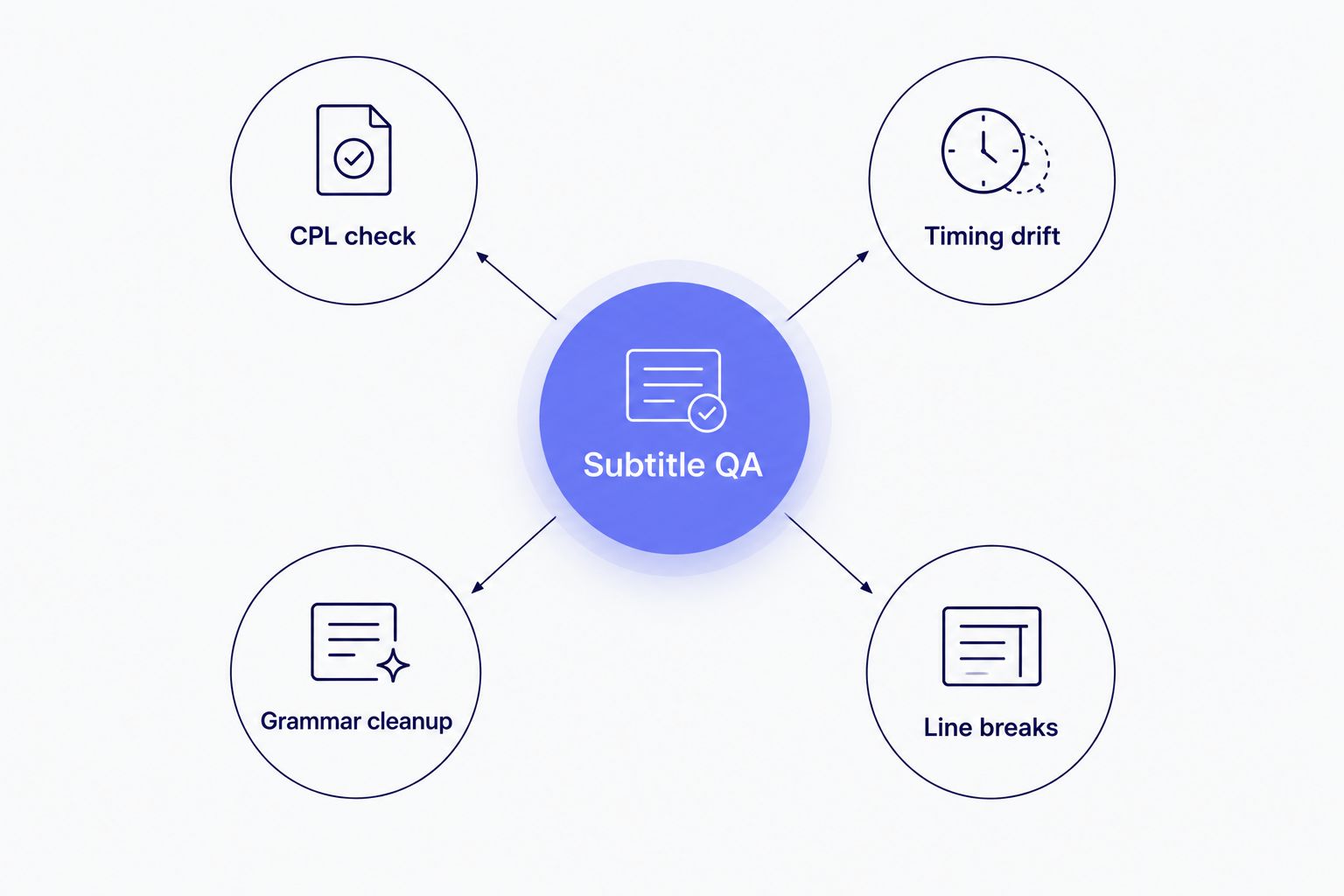
These four checks are the QA work a human-order service leaves to you after delivery.
“If you're still counting characters per line by eye, you're doing GoTranscript's QA job with a slower ruler.”
When staying with GoTranscript is the right call
Stick with GoTranscript in 2026 if the job needs a certified verbatim transcript for a legal deposition or court record, or if the team wants human-only transcription with no ASR step involved at all. If order volume is low enough that queue turnaround isn't a bottleneck, switching costs more time than it saves.
FAQ
What is the best GoTranscript alternative in 2026?
VideoText is the best GoTranscript alternative in 2026 for teams that need automated subtitle QA, CPL/timing fixes, and batch processing. GoTranscript remains the stronger pick for certified human verbatim transcripts.
Does VideoText use human transcriptionists like GoTranscript?
No. VideoText runs ASR (automatic speech recognition) on upload and gives you an in-browser editor to fix errors, rather than assigning a human transcriptionist to the order.
Can subtitle translations keep the original timing?
Yes, with a tool built for it. VideoText translates subtitles into 70+ languages while keeping the original cue timing, so you're not resyncing after translation.
What is CPL and why does it matter for subtitles?
CPL means characters per line — a limit on how much text fits on one subtitle line before it becomes hard to read at normal speed. Style guides like Netflix's cap most English lines around 42 characters.
Is ASR transcription accurate enough to skip GoTranscript's human review?
ASR accuracy depends on audio quality, accents, and overlapping speakers. A proofreading pass is still worth running on ASR output before client delivery, even with QA tools applied.
Which GoTranscript alternative supports batch processing?
VideoText supports multi-file batch processing with ZIP export on its Pro+ tier, letting you queue several files instead of ordering one at a time.
Does Happy Scribe or VideoText handle more languages for subtitle translation?
VideoText translates subtitles and transcripts into 70+ languages with timing preserved. Happy Scribe also supports multi-language subtitle export through its ASR-plus-editing workflow.
When should you stick with GoTranscript instead of switching?
Stick with GoTranscript for certified verbatim transcripts needed in legal or court settings, or when the team specifically wants human-only transcription with no ASR step.
One last thing
Netflix's Timed Text Style Guide caps most English subtitle lines around 42 characters — a spec worth running any exported SRT against regardless of which tool produced it, GoTranscript included. A file that passes a human proofread can still fail a CPL check if nobody runs it.
Related guides



