Maestra alternatives in 2026 split into two camps: AI dubbing and avatar tools built for global video release, and subtitle QA platforms built for freelancers and agencies who deliver clean, client-ready captions on deadline. Which camp you need determines which tool wins.
TL;DR
- VideoText is the best Maestra alternative in 2026 for subtitle QA, CPL/CPS fixes, and client-guideline formatting.
- Maestra's real strength is AI dubbing with lip-sync; it is not built for line-by-line subtitle QA or guideline-based delivery.
- Descript fits text-based video editing, Notta fits meeting transcripts, Riverside fits podcast recording plus transcription.
- Translation across 70+ languages keeps cue timing intact in VideoText instead of regenerating timestamps on translation.
- Stick with Maestra if a lip-synced dubbed video is the actual deliverable, not text captions.
Reference numbers for this comparison
42 CPL
Netflix TTSC line-length benchmark
17 CPS
Netflix TTSC reading-speed benchmark
70+
Languages supported for subtitle translation
Why this matters
Maestra covers transcription, subtitle translation, and AI dubbing with lip-sync in one editor. That's a real strength for teams releasing video in multiple spoken languages, not just multiple caption languages.
The ceiling shows up in daily subtitle production work: CPL and CPS validation against a style guide, cue-by-cue timing drift fixes, and reformatting a transcript to match a specific client's delivery spec. Freelance transcriptionists and subtitle editors doing that work every day need a tool built around QA, not around video dubbing. See the full VideoText vs Maestra comparison for a feature-by-feature breakdown.
The verdict: VideoText is the best Maestra alternative in 2026 if your output is subtitles and transcripts that need to pass client QA; Maestra stays the right call if the output is a dubbed, lip-synced video file.
Maestra alternatives at a glance
| Tool |
Best for |
Standout feature |
How it differs from Maestra |
| Maestra |
AI video dubbing |
Lip-synced voice dubbing across languages |
Baseline for this comparison |
| VideoText |
Subtitle QA and client delivery |
CPL/CPS/timing-drift fixes plus guideline formatting |
Built around cue-level QA, not dubbing |
| Descript |
Text-based video editing |
Edit video by editing the transcript |
No subtitle CPL/CPS validation layer |
| Notta |
Meeting and voice transcription |
Fast turnaround on short recordings |
No subtitle timing or burn-in tools |
| Happy Scribe |
Professional captioning workflows |
AI plus human review option |
Weaker on cue-level timing-drift detection |
| GoTranscript |
Guideline-based transcript formatting |
Human-reviewed formatting to spec |
No AI dubbing or translation timing tools |
| Riverside |
Podcast and video recording |
Local high-quality recording per speaker |
Recording tool first, transcription second |
1. VideoText: best for subtitle QA and client-ready delivery
VideoText turns uploaded video or audio into a timed transcript, then gives you an in-browser cue editor to fix what breaks client QA: overlaps, CPL violations, CPS reading-speed issues, gaps, scene-cut spans, and timing drift. Guideline formatting reformats output to Rev, GoTranscript, Scribie, or a custom client spec, which is the step that usually eats the most QA time on a job.
Translation covers 70+ languages and preserves timing on each cue instead of regenerating timestamps from scratch. Speaker diarization detects and labels speakers, with renaming in the UI when the auto-label is wrong.
Where VideoText shines:
- Cue-level QA: CPL, CPS, gaps, overlaps, and timing drift flagged and fixed in one editor
- Guideline formatting to match named client specs, cutting manual reformatting
- Translation that preserves cue timing across 70+ languages
- Batch processing and ZIP export for multi-file jobs
- Exports to TXT, SRT, VTT, PDF, DOCX, JSON, and CSV, including timecode and speaker layouts
Where VideoText falls short:
- No AI dubbing or lip-sync voice generation — translation output is text, not a re-voiced audio track
- No built-in avatar or synthetic-video generation
Full detail on the QA workflow lives on the subtitle QA tools page.
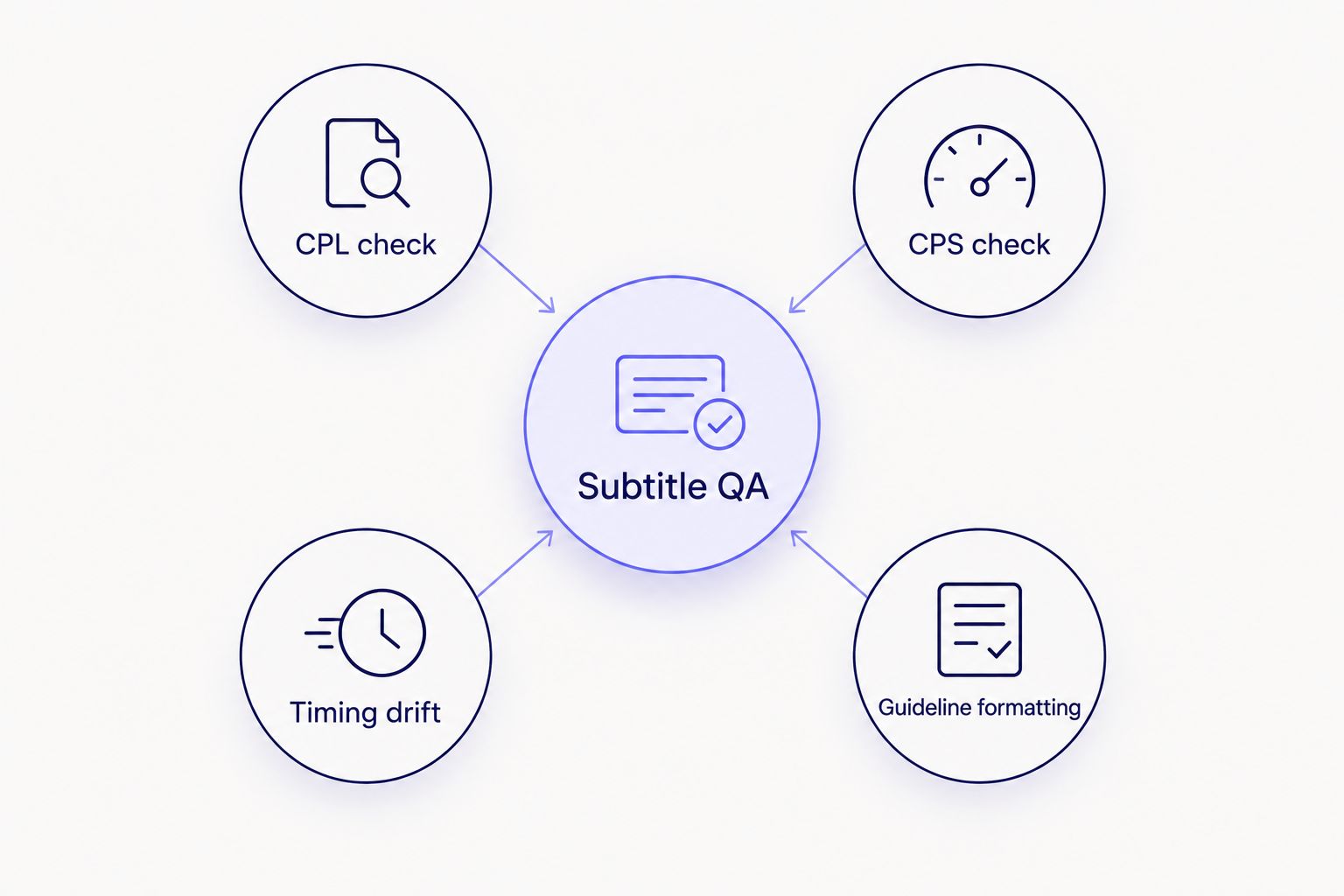
CPL, CPS, timing drift, and guideline formatting are the four checks that decide whether a subtitle file passes client QA.
| Dimension |
VideoText |
Maestra |
| Cue-level QA (CPL/CPS/drift) |
Dedicated editor with issue detection |
Not the primary focus |
| Guideline formatting to client spec |
Yes, named guideline presets |
Not offered |
| Translation timing preservation |
Preserved on existing cues |
Tied to dubbing workflow |
| AI dubbing / lip-sync |
Not offered |
Core feature |
Best for: freelance subtitle editors and agencies who need a file to pass QA before delivery, not a dubbed video. Verdict: Buy.
2. Descript: best for text-based video editing
Descript edits video and audio by editing a transcript directly — delete a word in the text, and the corresponding clip cuts from the timeline. It also ships Overdub, a voice-generation feature for fixing flubbed lines without a re-record.
Where Descript shines:
- Transcript-driven editing removes manual timeline scrubbing for simple cuts
- Overdub fixes small narration errors without a re-record
Where Descript falls short:
- No dedicated CPL/CPS subtitle validation against a style guide
- Guideline-based reformatting for outside client specs is not a built-in workflow
More detail sits on the Descript alternatives page.
| Dimension |
Descript |
Maestra |
| Primary use case |
Transcript-based video editing |
AI dubbing and translation |
| Subtitle QA depth |
Basic caption export |
Not the focus |
Best for: editors cutting video by editing text. Verdict: Buy for editing, Skip for subtitle QA.
3. Notta: best for meeting and voice transcription
Notta focuses on fast transcription of meetings and voice recordings, with integrations built for calls captured through Zoom, Teams, and Google Meet. It's built for turning a conversation into readable text quickly, not for subtitle file production.
Where Notta shines:
- Fast turnaround on short meeting and voice recordings
- Meeting-platform integrations for capturing calls directly
Where Notta falls short:
- No CPL/CPS subtitle validation or timing-drift tooling
- No subtitle burn-in for hardcoding captions into video
See the Notta alternatives page for a longer breakdown.
Best for: teams transcribing meetings, not producing client subtitle files. Verdict: Hold — fine for meetings, wrong tool for subtitle delivery.
4. Happy Scribe: best for professional captioning workflows with human review
Happy Scribe pairs AI transcription with an optional human-review step, aimed at agencies that need a second set of eyes on accuracy before delivery. Translation and subtitle export formats are part of the standard workflow.
Where Happy Scribe shines:
- Human review option on top of AI output for accuracy-sensitive jobs
- Established subtitle export formats for captioning agencies
Where Happy Scribe falls short:
- Cue-level timing-drift detection is not as granular as a dedicated QA editor
- Guideline formatting to a named custom client spec is more manual
Best for: agencies that want a human accuracy check layered on AI transcription. Verdict: Buy for accuracy-sensitive jobs.
5. GoTranscript: best for guideline-based transcript formatting
GoTranscript built its reputation on human-reviewed transcription formatted to strict style guidelines, which is why its formatting conventions are a common client spec in the captioning industry.
Where GoTranscript shines:
- Formatting conventions widely recognized as a client delivery standard
- Human review layer on transcript accuracy
Where GoTranscript falls short:
- No AI dubbing, avatar generation, or timing-preserving translation
- Turnaround depends on human-review capacity, not instant AI processing
Best for: jobs where the client explicitly requires GoTranscript-style formatting. Verdict: Hold for that one use case.
6. Riverside: best for podcast and video recording plus transcription
Riverside records each speaker locally in high quality, avoiding the compression artifacts of standard video-call recording, then adds transcription on top. It's a recording tool first.
Where Riverside shines:
- Local per-speaker recording quality for podcasts and remote interviews
- Transcription bundled into the same workflow as recording
Where Riverside falls short:
- Subtitle QA and guideline formatting are secondary to the recording feature set
- Not built for translating and re-timing existing subtitle files
Full comparison on the Riverside alternatives page.
Best for: podcast and interview teams who need the recording and the transcript from one tool. Verdict: Buy for recording, Hold for subtitle QA.
Check the VideoText vs Maestra breakdown
See feature-by-feature detail before you switch.
Try VideoText
Why people switch from Maestra
- Subtitle QA depth: line-by-line CPL, CPS, gap, and timing-drift checks aren't Maestra's core workflow.
- Guideline formatting: reformatting a transcript to a named client spec (Rev, GoTranscript, Scribie, or custom) takes a dedicated formatting step most dubbing-first tools skip.
- Batch delivery: agencies running multiple files through QA before a deadline need batch processing and ZIP export, not a single-file dubbing workflow.
When staying with Maestra is the right call
If the actual deliverable is a lip-synced, dubbed video in another spoken language — not a text subtitle file — Maestra's dubbing workflow is built for exactly that job. Switching away from it in 2026 only makes sense once the work shifts to subtitle QA, translation of existing cues, and client-guideline delivery.
FAQ
What is the best Maestra alternative in 2026?
VideoText is the best Maestra alternative in 2026 for teams doing subtitle QA and client-ready delivery, since it checks CPL, CPS, and timing drift and reformats output to named client guidelines.
Is VideoText better than Maestra for subtitles?
For subtitle QA and guideline formatting, yes. For AI dubbing with lip-sync, Maestra covers a workflow VideoText does not offer.
Does Descript check subtitle CPL and CPS?
No. Descript is built for transcript-based video editing, not for validating captions against a style guide's line-length or reading-speed limits.
Can subtitles be translated without losing timing sync?
Yes, when the tool preserves existing cue timing during translation instead of regenerating timestamps. VideoText's translation across 70+ languages keeps cue timing intact.
What CPL and CPS limits do professional subtitle style guides use?
Netflix's timed text style guide sets 42 characters per line and 17 characters per second as widely used benchmarks for Latin-script subtitles.
Is Notta a good replacement for Maestra?
Notta works well for fast meeting and voice transcription but has no subtitle timing or CPL/CPS validation tools, so it is not a direct subtitle-QA replacement.
Which tool is best for podcast transcription in 2026?
Riverside covers recording plus transcription in one workflow, which fits podcast and interview teams better than a dubbing-first tool like Maestra.
Do I still need human proofreading with AI transcription in 2026?
It depends on the accuracy bar the client sets; a dedicated QA editor that flags timing and formatting issues reduces but doesn't always eliminate manual review.
One last thing
The fastest way to tell whether a Maestra alternative fits your work: check whether it validates against a named style guide's CPL and CPS limits — the 42-character, 17-CPS Netflix benchmarks are the ones most client specs reference in 2026 — or whether it only exports a caption file and calls that QA.
Related guides



