TurboScribe Alternative When the Transcript Is Not the Only File
VideoText editorial team · Published · Updated · 4 min read
Short answer: if the delivery is a plain transcript of a file you already have, a transcript-only tool is a coherent choice. Look at a wider workflow when the same recording also has to leave as subtitles, as a styled document, or in another language. VideoText is that wider path: one upload, a transcript you can edit, and SRT or VTT from the same words.
TurboScribe’s plans and exports change. At the time of writing, check their site before you rely on a price or on what a download includes. This post does not quote their pricing and does not claim a feature they might have added.
The job a transcript-only tool is built for
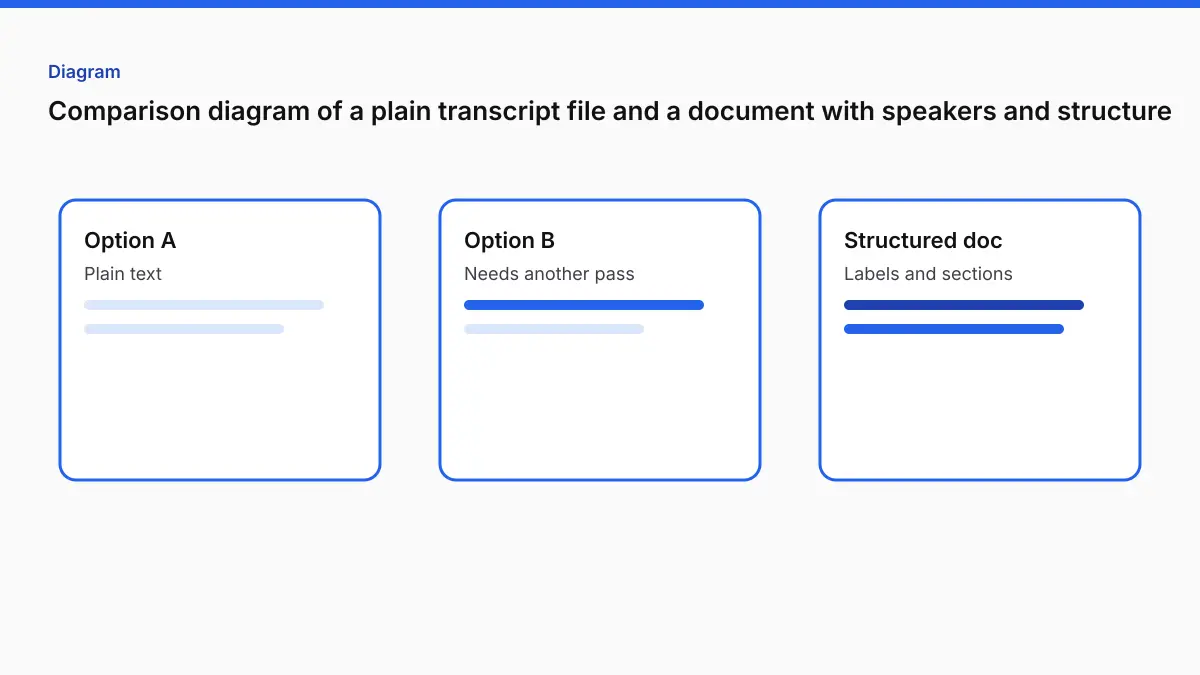
You have a recording. You want the words in a text file. You will fix names yourself, and you do not need a caption file, a translated subtitle, or a marketplace style guide. In that case, adding a subtitle tool and a formatter is overhead. Use the simpler product and move on.
The searches that lead here are usually the next job, not that one:
- The transcript was fine, and then someone asked for an SRT.
- The client kicked the file back for speaker labels, fillers, or timestamp style.
- The same interview has to ship with captions, or with captions in a second language.
- The recording is long, and splitting it restarted the timestamps.
Those are workflow gaps. They are not a reason to call another product bad at transcription.
What VideoText exports from one file
Upload to Video to Transcript.
| You download | Use it for |
|---|---|
| TXT, DOCX, PDF | A document someone will read or mark up |
| 3-column PDF or DOCX | Time, speaker, and text in separate columns |
| CSV or JSON | A spreadsheet or a pipeline |
| SRT or VTT | Captions. Same words as the transcript, different shape |
| Translated subtitles | Translate Subtitles. Pro translates into 104 languages and keeps the cue times |
On the way there you can set:
- Spoken language, or auto-detect.
- Names and terms, up to 1,500 characters, under Advanced options.
- Speaker labels, Pro only, and only if you turn them on before you transcribe.
- Full verbatim, or clean verbatim. Clean verbatim removes explicit standalone hesitations and keeps ambiguous words and repetitions for you to review.
- Timestamp format: per interval (default), per segment, per speaker, none, or Calculated SMPTE when the picture carries a production clock. See BITC timecode.
Video to SRT is the shorter path when you only want the subtitle file. Fix Subtitles then checks overlaps, 42-character lines, and 20 characters per second. It is free with an account. It is not a certification. Guideline Format applies Rev, GoTranscript, TranscribeMe, or Scribie shape and keeps the timestamps and labels you already have.
Limits you can verify
| Free | Pro | |
|---|---|---|
| Speech file | 30 minutes, 2 GB | 4 hours, 10 GB |
| Speech per month | Tool-specific allowance | 30 hours |
| Speaker labels | No | Yes, opt in first |
| Batch | No | Up to 20 files |
| Watermark | Short notes on text exports. Two cues on subtitle downloads | None |
| Price | Free account | $14.99/month or $120/year |
Burn and compress are capped at 2 hours, not 4. Free burn is 720p and keeps VideoText branding. Pro burn is original resolution, without a watermark.
A file over 4 hours will not upload as one speech job. Split it, or extract the audio with the browser tool Extract Audio when the video is large because it is 4K and you only need the speech. The long video guide is the detail on keeping one recording as one job so speaker numbers and timestamps do not restart.
How to choose without a scoreboard
| Your delivery | A fitting start |
|---|---|
| A text transcript, and you will edit names in any editor | A transcript-only tool is enough. Confirm the current export list on that site |
| DOCX or PDF plus SRT from the same pass | Video to Transcript |
| An SRT that a player or a platform will accept | Video to SRT, then Fix Subtitles if the validator complains |
| A client style guide | Guideline Format after the draft |
| Another language on the same cues | Translate Subtitles |
| You are cutting the video itself | An editor. A transcript tool will not cut picture |
| You type with a pedal | A transcription player. See Express Scribe |
Otter, Descript, and TurboScribe splits those jobs the same way: meeting notes, editing, and a file transcript are not one product.
What you still do by hand
Automatic words fail in known places. Before you send the file:
- Search every proper noun you put in the names field, and any you forgot.
- Play two or three speaker changes if labels are on. Similar voices get merged. Overlap gets attributed to one person.
- Read numbers out loud against the audio.
- If you downloaded SRT, run the Subtitle Validator or Fix Subtitles. A transcript that reads well can still be an unreadable caption file, because captions are short cues. The MP4 to text and MP4 to SRT guides are the two shapes.
Do not add a second tool “for quality” until you know which of those failed. Most of the time the fix is the names field and a listen, not a different uploader.
FAQ
Is VideoText a TurboScribe replacement?
When you need more than a plain transcript from a file you have: subtitles, a document format, speaker labels on Pro, a style guide, or a translation. When you only need the text, a transcript-only tool is a fair choice. Check their current page.
Does this include a timed subtitle file?
Yes. Video to Transcript downloads SRT and VTT from the same cues as the document. Video to SRT is there if captions are all you want.
How long can the file be?
30 minutes on Free, 4 hours on Pro, with 30 hours of speech a month on Pro. Pro is $14.99/month or $120/year.
Can I start from a video address?
No. Upload the file.
Will the draft match a house style by itself?
No. Run Guideline Format for Rev, GoTranscript, TranscribeMe, or Scribie, then read the result. Formatting does not correct a wrong name.
Related tools and guides
- Video to Transcript
Upload a video or audio file and download a transcript you can edit.
- Guideline Format
Apply a client style guide to a transcript before review.
- Is there a limit to how long a file can be for transcription?
- Add timestamps to a transcript you already have
- Automatically transcribe podcast episodes when they're uploaded
- MP4 to Text: Get a Timestamped Transcript From Video
- How to Transcribe a Long Video (2 to 4 Hours) Without Splitting It