Express Scribe Alternative: Start From a Draft, Then Edit
VideoText editorial team · Published · Updated · 5 min read
Short answer: Express Scribe is a transcription player. You listen, you control playback (often with a foot pedal), and you type. Use it when that is the work. Use a file-upload draft when the recording is already a file and you want the words written so you can spend the pass on names, speakers, timestamps, and the client’s style.
Express Scribe’s editions, pedals, and any add-ons change. At the time of writing, check their site before you rely on a price or a feature. This post does not compare invoices. It compares the job.
What the player is for
A pedal workflow exists because typing from speech is a listening job:
- You slow the audio without changing the pitch you are used to.
- You rewind a phrase with a foot, so your hands stay on the keyboard.
- You type the words, the speaker labels, and the timestamps your style guide asks for.
- You are the accuracy. The player does not invent a sentence you did not hear.
People keep that setup for a reason. Confidential audio, a house style that is stricter than a preset, or a habit built over years of pedals are all good reasons to stay. Nothing here says the player is obsolete.
What the player does not do
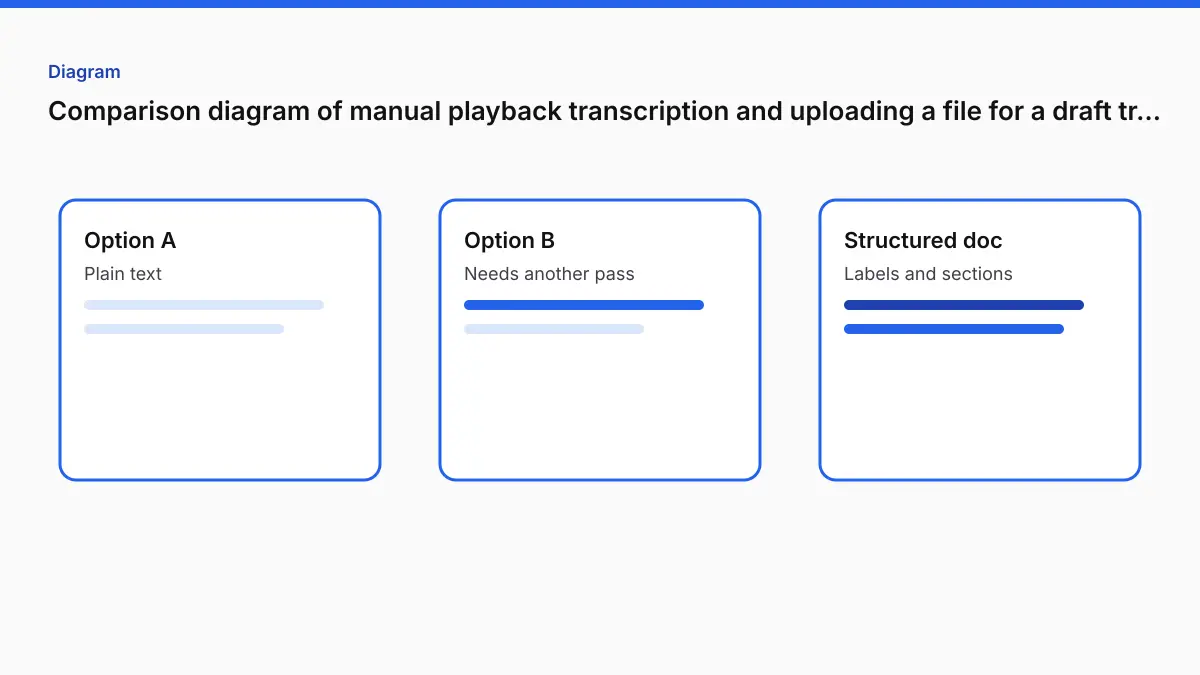
It does not, by itself, hand you a finished document from a file you dropped in. If the offer you are comparing is “upload and download a draft,” that is a different product. The draft still needs the same ears. It changes where the time goes: from typing every clear sentence to checking the sentences that are easy to get wrong.
Those sentences are predictable. Names and product terms. Numbers. Overlapped speech. A second language in the middle of an interview. A noisy room. Accuracy on difficult audio is the list. A draft does not remove that list.
The file workflow that replaces the typing, not the review
- Upload the recording to Video to Transcript. MP4, MOV, MKV, AVI, WebM, MP3, WAV, M4A, and FLAC are accepted.
- Pick the spoken language, or leave auto-detect if the opening is representative.
- Open Advanced options and type names and terms, up to 1,500 characters. This is the closest thing to the word list you would have taped to the monitor.
- On Pro, tick Speaker labels (who said what) before you generate if the transcript must show turns. Leave it off and there are no turns to rename later.
- Generate. On Pro, correct text in the review. Exports use the edited text.
- Choose timestamps: per interval (default, about every 30 seconds), per segment, per speaker, none, or Calculated SMPTE when the picture has a burned-in clock. The BITC workflow is the version of this for production timecode. You type the first-frame timecode and the frame rate. You still spot-check the burn. The math does not read the pixels.
- Export TXT, DOCX, PDF, 3-column PDF or DOCX, CSV, or JSON. Download SRT or VTT from the same job if the delivery includes captions.
- If the client named Rev, GoTranscript, TranscribeMe, or Scribie, run Guideline Format before the human pass. It applies that shape and keeps timestamps and speaker labels. It does not decide whether a name is spelled right.
| Free | Pro | |
|---|---|---|
| File length | 30 minutes | 4 hours |
| File size | 2 GB | 10 GB |
| Speech included | Tool-specific allowance | 30 hours a month |
| Speaker labels | No | Yes, if you turn them on first |
| Text export | Short watermark notes | No watermark |
| Price | Account, no card required to start | $14.99/month or $120/year |
Fix Subtitles, for an SRT or VTT you already have, is free with an account. Full verbatim keeps the words as recognized. Clean verbatim removes only explicit standalone hesitations and leaves ambiguous words and repetitions for review. Pick the one the style guide names. Do not assume clean is what a verbatim client ordered.
When to keep Express Scribe
- You are paid to type, and the pedal is faster for you than correcting a draft on this kind of audio.
- The audio cannot be uploaded, under the client’s rules. Do not upload it.
- You need a behavior the player has and a browser draft does not. Check their current page. VideoText does not ship a foot pedal, and it does not claim to.
When the draft is the better start
- The file is clear enough that most sentences will be right, and your time is names, speakers, and format.
- You need DOCX or PDF the same day you receive the file, then a shorter listen.
- You need SRT or VTT as well as the document, from one upload.
- You need the transcript clock to follow a burned-in timecode, via Calculated SMPTE, instead of typing frame numbers from the window burn.
- You have a stack of files. Pro batch is up to 20 files, each within the 4-hour cap.
A freelancer’s usual mistake is to treat the draft as finished. The usual correction is the same one a pedal transcript needs: a pass against the audio for the words that cost you the job if they are wrong. What transcript QA is is that pass, written out.
Side by side, as jobs
| Transcription player | VideoText | |
|---|---|---|
| You type every word | Yes, that is the product | No. You edit a draft |
| Foot pedal | Typical for this category. Confirm the current app | No |
| File you already have | You play it | You upload it |
| Speaker names | You type them | Pro, if enabled before the job, then you rename and check |
| Production timecode | You type the burn, or the app inserts what you configured | Calculated SMPTE from a first-frame anchor and a frame rate |
| Client style | You apply it as you type | Guideline Format, then you review |
| Captions | Usually a separate step | SRT and VTT from the transcript job, or Video to SRT |
FAQ
Is VideoText an Express Scribe replacement?
Only if your work is “a file in, a draft out, then I edit.” If your work is “I type with a pedal,” keep the player.
Will Calculated SMPTE match Express Scribe’s timecode?
It matches the anchor and frame rate you enter, including drop-frame when you select it. If those match the burn, the numbers match. Spot-check. The control does not read the burned-in digits off the picture.
Can I keep typing and also use the draft?
Yes. Some people generate the draft, export DOCX, and do the listen in whatever player they already trust. The point is not to throw away a pedal you like. The point is not to retype clear speech.
What does it cost?
Free covers files up to 30 minutes. Pro is $14.99/month or $120/year, with uploads up to 4 hours and 30 hours of speech a month. Speaker labels are Pro.
Do I paste a video link?
No. Upload the file you have.
Related tools and guides
- Video to Transcript
Upload a video or audio file and download a transcript you can edit.
- Guideline Format
Apply a client style guide to a transcript before review.
- Best AI transcription software for podcasters in 2026
- Best batch transcription software in 2026
- Best live transcription software in 2026
- MP4 to Text: Get a Timestamped Transcript From Video
- How to Transcribe a Long Video (2 to 4 Hours) Without Splitting It