MP4 to SRT: Make a Subtitle File From Any Video
VideoText editorial team · Published · Updated · 8 min read
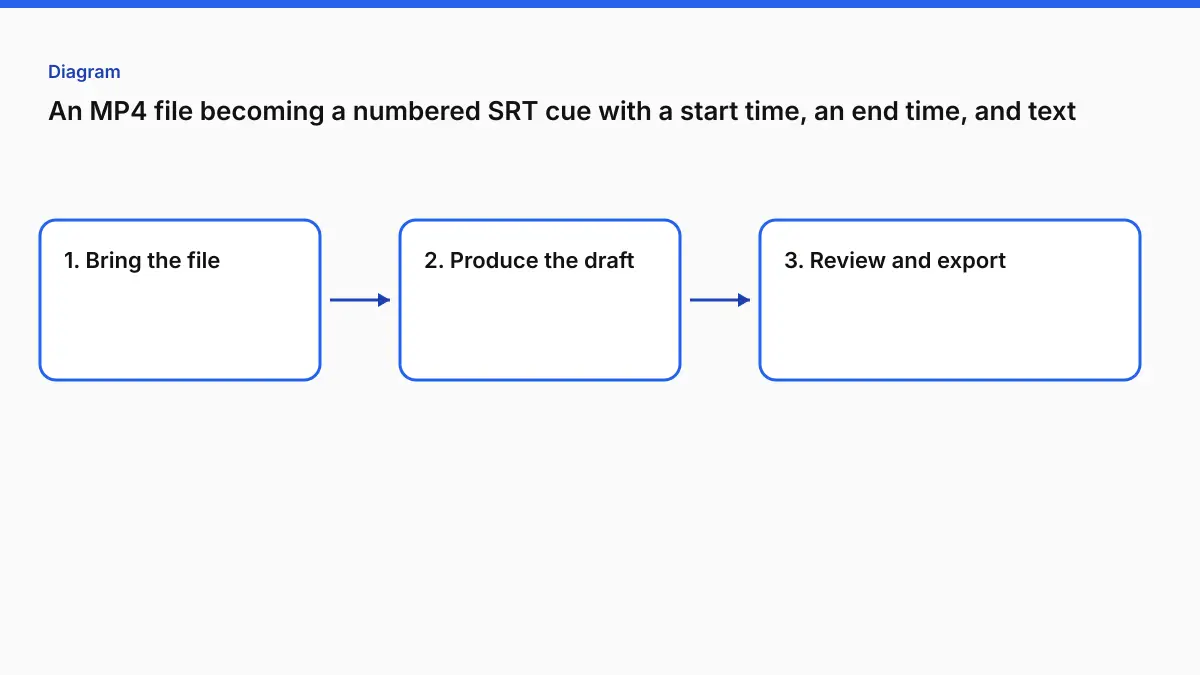
Short answer: an MP4 usually has no subtitle file inside it to "convert." You get an SRT by turning the speech into timed cues. Upload the MP4 to Video to SRT, leave the language on auto-detect or pick it, generate, and download the .srt (a .vtt comes from the same cues). Before you upload the SRT anywhere, check three things: commas in the timecodes, no overlapping cues, and lines that aren't too long to read.
This guide covers what's actually inside an MP4, what a valid SRT looks like character by character, the step-by-step conversion, and the five faults that make a "working" SRT get rejected.
First, check whether your MP4 already has subtitles
An MP4 is a container. It can hold video, audio, and sometimes a text subtitle track (often mov_text). If the person who exported it included captions, you can extract them instead of generating new ones.
To check, open the file in VLC and look under Subtitle → Sub Track. Or, if you use the command line:
ffprobe -v error -select_streams s -show_entries stream=index,codec_name:stream_tags=language input.mp4
No output means no subtitle stream. That's the normal case for exports from phones, screen recorders, Zoom and most editors. If there is a stream, ffmpeg -i input.mp4 -map 0:s:0 out.srt pulls it out.
If the captions are burned into the picture, they're pixels, not text. No converter can extract them as SRT without OCR, and the result usually needs heavy cleanup. Generating fresh subtitles from the audio is normally the cleaner route.
What a valid SRT file looks like
SRT is the most forgiving subtitle format to read and the least forgiving to import. Each cue has four parts:
1
00:00:00,420 --> 00:00:02,270
So how long did your first file take?

2
00:00:02,860 --> 00:00:03,680
About a minute.
- Index: a whole number, counting up from 1.
- Timing line:
HH:MM:SS,mmm --> HH:MM:SS,mmm. Hours are two digits, and there's a comma before the milliseconds. - Text: one or two lines.
- A blank line to end the cue.
The same cues as WebVTT look like this:
WEBVTT

00:00:00.420 --> 00:00:02.270
So how long did your first file take?

00:00:02.860 --> 00:00:03.680 line:85%
About a minute.
The differences matter when a platform is strict: VTT needs the WEBVTT header on the first line, uses a period before the milliseconds, doesn't need cue numbers, and allows cue settings like line: and align: (defined in the W3C WebVTT spec). Browsers' HTML5 <track> element expects VTT, not SRT.
How to convert MP4 to SRT with VideoText
These steps follow the labels on the live Video to Subtitles page. Video to SRT and Video to Subtitles run on the same engine; the SRT page is for people who only want the file.
1. Upload the MP4
Drop the file on Drop your video here or use Choose video. MP4, MOV, MKV, AVI, WebM and common audio files are accepted.
| Plan | Max length per file | Max size | Watermark on subtitle downloads |
|---|---|---|---|
| Free | 30 minutes | 2 GB | Two short watermark cues (first, and after the last cue) |
| Pro ($14.99/mo or $120/yr) | 4 hours | 10 GB | None |
Guests can start a job, but you sign up free to see and download the file.
2. Choose the spoken language and generate
Leave it on auto-detect, or pick the spoken language yourself. Picking it is the safer choice when the video opens with music, silence or a line in a different language from the rest, because a mixed opening is a common reason for a wrong-language result with any auto-detect. Then press Generate Subtitles.
Spoken language is the only setting on this page. There's no field for names or jargon, so you correct a misspelled name after generating, in the review view on Pro or in any text editor. If you want to enter names and terms up front, that field is in Video to Transcript under Advanced options, and that job exports SRT and VTT too.
3. Download SRT or VTT
Both formats come from the same cues, including any edits you make on Pro. Download SRT for editors and most platforms, or VTT for web players and LMS uploads.
What our test produced. We ran a 4-minute, two-person interview (a 27 MB MP4) through Video to Subtitles on a Pro account. One job gave both files, with 80 cues in each. The VTT is a small link next to Download SRT, so it's easy to miss. The first five cues, exactly as downloaded:
1
00:00:00,000 --> 00:00:01,020
3 degrees Celsius.

2
00:00:01,600 --> 00:00:05,320
And on the news recently, we've seen
devastating floods, droughts, and

3
00:00:05,420 --> 00:00:06,900
wildfires worldwide.

4
00:00:07,740 --> 00:00:11,820
My next guest is Hannah Cloke, a
specialist in extreme weather and

5
00:00:11,920 --> 00:00:15,300
professor of hydrology at the University
of Reading.
Cue 1 is a fragment because the source clip starts mid-sentence. The tool didn't cause it. The guest's name came out right in cue 4, and the Pro download had no watermark cues. The VTT version of the same cues starts with WEBVTT and uses periods before the milliseconds, as it should. The result page also showed a Check before publishing panel with two notes: 12 cues over 20 characters per second, and 9 cues under 0.7 s that "might feel rushed." That's the review step below, already pointing you at the cues to check.
4. Review before you ship (optional, recommended)
The review view plays each cue against the video and flags overlaps and fast cues as suggestions. Nothing blocks the download. Editing cues in place is a Pro feature. On Free, you can repair the file afterward with Fix Subtitles, which is free with an account.
The five faults that make an SRT fail to import
Most "my SRT doesn't work" reports come down to one of these. The Subtitle Validator checks for them in your browser without uploading the file.
| Symptom | Likely cause | What it looks like in the file | Fix |
|---|---|---|---|
| Editor says "invalid file" or imports zero cues | Period instead of comma, or a one-digit hour | 0:00:04.200 --> 0:00:06.000 |
Rewrite as 00:00:04,200 (or convert to VTT, where periods are correct) |
| Cues run together or one cue swallows the next | Missing blank line between cues | Text line followed directly by the next index | Add a blank line after every cue |
| Two lines show at once, flicker, or the platform warns about overlaps | End time later than the next start | …--> 00:00:07,400 then 00:00:07,200 -->… |
Trim the earlier end time (Fix Subtitles does this) |
Accents show as é or � |
File not saved as UTF-8 | café |
Re-save as UTF-8 in a text editor |
| Captions drift later and later through the video | Frame-rate mismatch (e.g. timed at 25 fps, played at 23.976) | Early cues in sync, late cues seconds off | Re-time to the right frame rate. A single offset won't fix drift |
The last one catches editors out. A constant offset (every cue 2 seconds late) is fixed with Shift Subtitle Timing. Drift that grows over the runtime means the timing was built against a different frame rate or a different cut, and a global shift only moves the problem. The guide on fixing subtitle timing drift covers that case.
Is the SRT readable, not just valid?
A file can pass every syntax check and still be hard to read. The numbers professionals work to:
| Standard | Max characters per line | Max reading speed | Lines | Cue duration |
|---|---|---|---|---|
| Netflix English (USA) TTSG | 42 | 20 CPS (adult), 17 CPS (children) | 2 | 5/6 s min, 7 s max (General Requirements) |
| BBC Subtitle Guidelines | 37 (broadcast/Teletext) | 160–180 words per minute | 2 (landscape), 3 (vertical) | ~0.3 s per word minimum |
| VideoText Fix Subtitles defaults | 42 | 20 CPS | — | 10 s max per cue |
Fix Subtitles uses 42 characters and 20 CPS by default. That's in line with the Netflix English guide, but it isn't a Netflix, BBC or EBU certification. If your client works to BBC's 37 characters, check line length with the character checker and adjust by hand.
A quick way to test reading speed yourself: count every character, including spaces and punctuation, and divide by the cue's duration. "I uploaded the interview, and the subtitles were ready." is 55 characters. On screen for 2.8 s, that's 19.6 CPS: inside Netflix's adult limit, but a 37-character BBC line would force a split.
Which file should you upload where?
| Destination | Upload | Why |
|---|---|---|
| Video platforms with a captions/subtitles upload | SRT (VTT usually accepted too) | Widest support. Viewers can switch it off |
| Your own site or LMS with an HTML5 player | VTT | <track> expects WebVTT |
| Premiere Pro, DaVinci Resolve, Final Cut | SRT | Imports as an editable caption/subtitle track (Resolve steps) |
| Short-form feeds that autoplay muted | Burned-in MP4 | Many feeds ignore sidecar files, so put the words in the picture with Burn Subtitles |
| A second language | Translated SRT, same timing | Translate SRT to Spanish walks through it |
When VideoText isn't the right fit
- Your MP4 already has a text subtitle track. Extract it with ffmpeg. You don't need to generate anything.
- You need frame-accurate broadcast spotting to shot changes in a desktop editor. A dedicated subtitling app with a waveform and shot-change detection is the better tool for final spotting. VideoText can give you the first draft. (See our Aegisub alternative post for where desktop editors still win.)
- Your file is over 4 hours. Split it first. Pro's per-file limit is 4 hours.
- You need a format other than SRT or VTT (such as SCC or EBU-STL). VideoText exports SRT and VTT, so you'd convert elsewhere.
A pre-upload checklist
- Open the
.srtin a plain-text editor and confirm the first cue starts1, then00:00:…,…. - Run it through the Subtitle Validator.
- If it flags overlaps or reading speed, run Fix Subtitles. It lists what it changed and what still needs a person.
- Spot-check three places against the video: the first line, a fast exchange, and the last line.
- Confirm the file is saved as UTF-8 if it contains accented or non-Latin characters.
If you'd rather get a transcript document than a subtitle file, the MP4 to text guide covers timestamps, DOCX and PDF.
FAQ
Can I convert MP4 to SRT for free?
Yes. VideoText's Free plan handles MP4 files up to 30 minutes and 2 GB, and you sign up free to download the SRT. Free subtitle downloads include two short watermark cues, one at the start and one after the last cue. Pro removes them and takes files up to 4 hours.
Does an MP4 already contain an SRT file?
Sometimes. An MP4 can carry a text subtitle track, but most exports from editors and phones don't have one. If the file has no subtitle track, there's nothing to extract, and you have to generate subtitles from the speech.
What's the difference between SRT and VTT?
Both are plain-text cue files. SRT numbers each cue and uses a comma before the milliseconds (00:00:04,200). WebVTT starts with a WEBVTT header, uses a period (00:00:04.200), and supports cue settings such as position. VideoText gives you both from the same cues.
Why won't my SRT import into my editor or video platform?
The usual causes are a period instead of a comma in the timecode, missing blank lines between cues, overlapping cues, or a file that isn't saved as UTF-8. Run it through the free Subtitle Validator to see which line is the problem.
How long can the MP4 be?
Up to 30 minutes on Free and up to 4 hours on Pro, with 30 hours of speech a month on Pro.
Related tools and guides
- Video to SRT
Upload a video and download a timed SRT file.
- Fix Subtitles
Repair timing, overlap, and line breaks in an SRT or VTT you already have.
- Can subtitles be burned into a video without losing video quality?
- How long does it take to add and sync subtitles to a video?
- Subtitle workflows for in-house corporate video teams: complete 2026 guide
- Import SRT Into DaVinci Resolve (and Fix the 1-Hour Offset)
- Aegisub Alternative: When to Switch and When to Stay