There's no single published cap on total batch hours in Videotext — batch capacity is set by two separate limits working together: how long any one file in the queue can run, and how many files the queue lets you process at once, which is tied to your plan tier. The number that trips people up isn't the hour count, it's the per-file duration limit, because a batch of ten short files behaves very differently from a batch of two long ones even if the total runtime is identical.
TL;DR
- Batch capacity in Videotext is governed by a per-file duration limit and queue depth, not a single fixed hour count.
- Batch processing with multi-file queues and ZIP exports is a Pro+ feature, not available on the free tier.
- Total hours per batch scale with your plan tier, file format, and how many files you queue at once.
- Check the per-file duration limit separately from batch queue size before planning a large upload.
Why this matters
Freelance transcriptionists and podcast teams building a batch workflow in 2026 usually ask this question for one reason: they're trying to plan a delivery window before uploading a season's worth of episodes or a week of interview recordings. Guessing wrong means either an upload that stalls partway through or a queue that finishes hours later than expected. Knowing which limit actually governs your batch — file length or queue depth — changes how you split the work before you hit upload.
How many hours of audio can be transcribed in one batch upload?
The honest answer: it depends on which limit you hit first, not a flat hour total. Two constraints stack on top of each other:
| Limit type |
What it controls |
Where it comes from |
| Per-file duration |
How long any single file in the batch can run |
Set per plan tier, independent of batch size |
| Queue depth |
How many files can sit in the batch queue at once |
Tied to Pro+ and higher plans |
Batch processing — the multi-file queue and ZIP export feature — is a Pro+ capability in Videotext, so the free tier doesn't have a batch queue to hit a limit on in the first place. If you're testing on a free account, you're transcribing one file at a time regardless of how long each one runs.
The practical way to plan a batch in 2026 is to check the per-file duration limit first, then multiply by how many files your queue depth allows. A batch of five 90-minute interviews and a batch of fifteen 30-minute episodes can add up to the same total runtime but hit different limits along the way — the first is bound by per-file duration, the second by queue depth.
Why total batch hours vary
- Plan tier — batch processing itself, including ZIP export of the whole queue, only unlocks on Pro and higher.
- Per-file duration cap — each file in the batch is still checked against the same length limit that applies to a single upload.
- File format and size — larger raw files (uncompressed WAV vs. compressed MP3) take longer to process and can affect how many files clear the queue in one run.
- Queue depth — the number of files you can stack in one batch job is a separate ceiling from any individual file's length.
- Upload bandwidth — a slow connection extends wall-clock time for the batch even though it doesn't change the processing limits themselves.
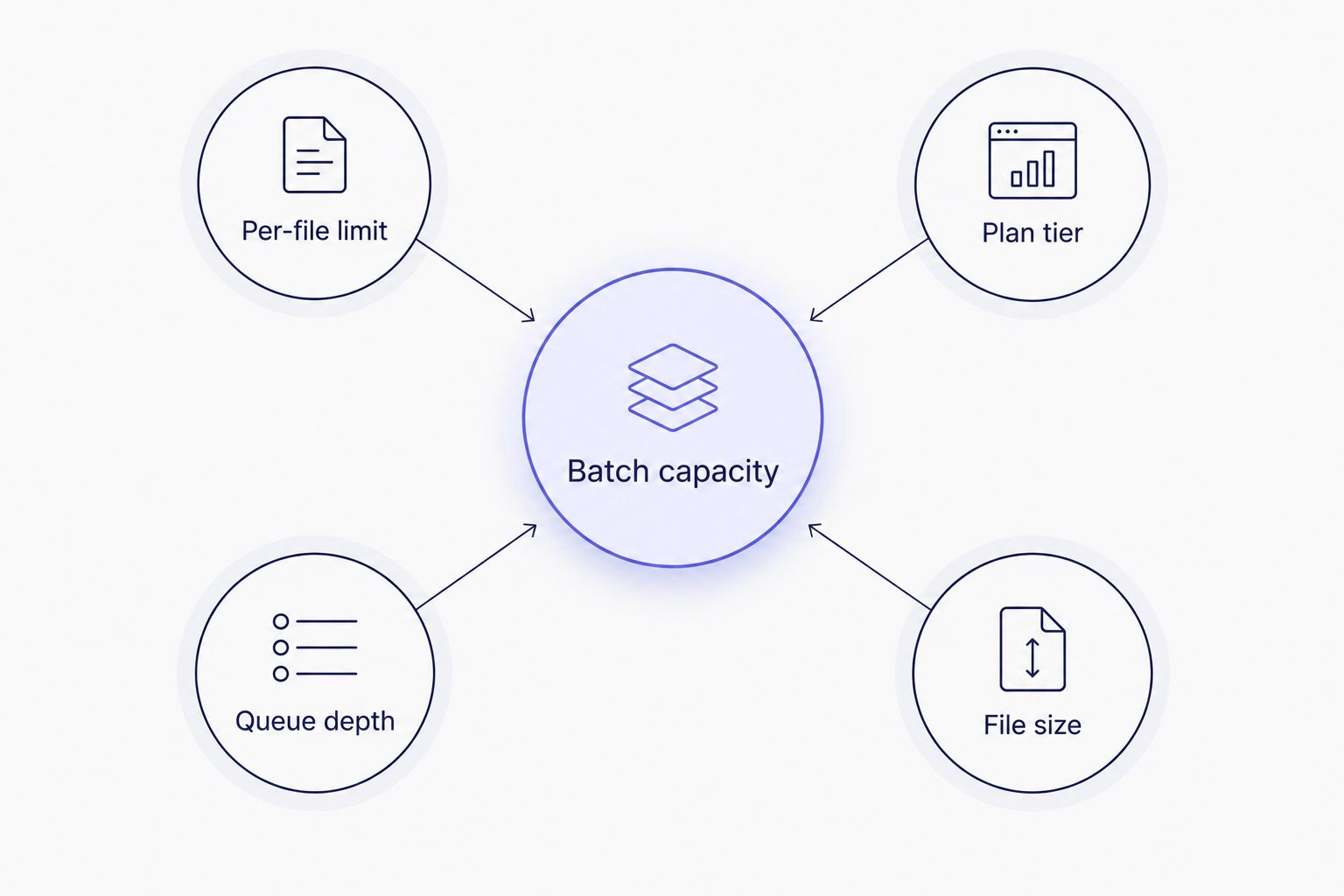
Batch capacity is set by four separate limits stacking together, not one hour total.
Once a batch clears both limits, each file processes through the same pipeline as a single upload: transcript with timed segments, speaker diarization, and SRT/VTT export if you need captions. Nothing about batch mode changes accuracy or formatting — it just runs the queue instead of one file.
Batch processing: Pro+ plans only
The multi-file queue and ZIP export feature sits behind Pro and higher plans. That's the first thing to confirm before you plan a batch upload — if your account is on the free tier, there's no queue to load files into, and every file processes individually regardless of how short it is. Anyone running recurring batch jobs — a podcast network uploading a season, an agency clearing a week's backlog of client interviews — needs at minimum the Pro tier to get the ZIP export and queue behavior at all.
Test your batch queue now
Upload a multi-file queue and see how the limits apply to your files.
Try Videotext
Related questions
Is there a limit to how long a single file can be for transcription?
Yes, a per-file duration limit applies independently of batch size, and it's the same limit whether you're uploading one file or fifty in a queue. Check the current per-file duration limit before building a batch around your longest recordings, since that cap — not the batch queue — is usually what determines whether a file processes cleanly.
Does batch processing require a paid plan?
Yes, batch processing with a multi-file queue and ZIP export is a Pro+ feature in Videotext, not part of the free tier. On the free plan you can still transcribe files, just one at a time rather than as a queued batch.
Can I export a whole batch as one combined file?
No, a batch job in Videotext exports as a ZIP of individual transcripts and subtitle files, one output set per source file, not one merged document. Each file in the ZIP keeps its own TXT, SRT, VTT, or other export format exactly as it would if uploaded on its own.
FAQ
How many hours of audio can be transcribed in one batch upload?
There's no fixed hour total published for 2026 — batch capacity is set by a per-file duration limit and a queue depth limit stacking together, not one number. Check the per-file limit first, then multiply by how many files your plan's queue depth allows.
Is batch processing available on the free plan?
No, batch processing with a multi-file queue and ZIP export is a Pro+ feature in Videotext. Free accounts process one file at a time regardless of file length.
Is there a limit to how long a single file can be for transcription?
Yes, a per-file duration limit applies to every upload, whether it's a single file or part of a batch queue. This limit is separate from queue depth and doesn't change based on batch size.
Can I export a whole batch as one file?
No, batch jobs export as a ZIP containing individual transcripts and subtitle files for each source file. Merged single-document exports aren't part of the batch output format.
Does batch export support SRT and VTT at the same time?
Yes, each file in a batch can generate TXT, SRT, VTT, PDF, DOCX, JSON, or CSV exports, bundled per file inside the ZIP. You choose the export formats for the whole batch before running it.
How do I automate batch transcription for new uploads?
Connect Videotext to Zapier or the API to trigger transcription automatically as new files land in a folder or podcast feed. This removes the manual step of starting a batch job for recurring uploads.
Does speaker diarization work the same way in batch mode?
Yes, diarization runs per file inside a batch queue exactly as it does on a single upload, detecting and labeling speakers independently for each file. Renaming speakers still happens in the UI after processing finishes.
One last thing
The queue processes files in upload order, not by length or priority, so if you're working against a client deadline in 2026, load your longest files first rather than last — a batch that finishes its short files quickly but leaves a two-hour interview for the end doesn't help if that file is the one due first.
Related guides



