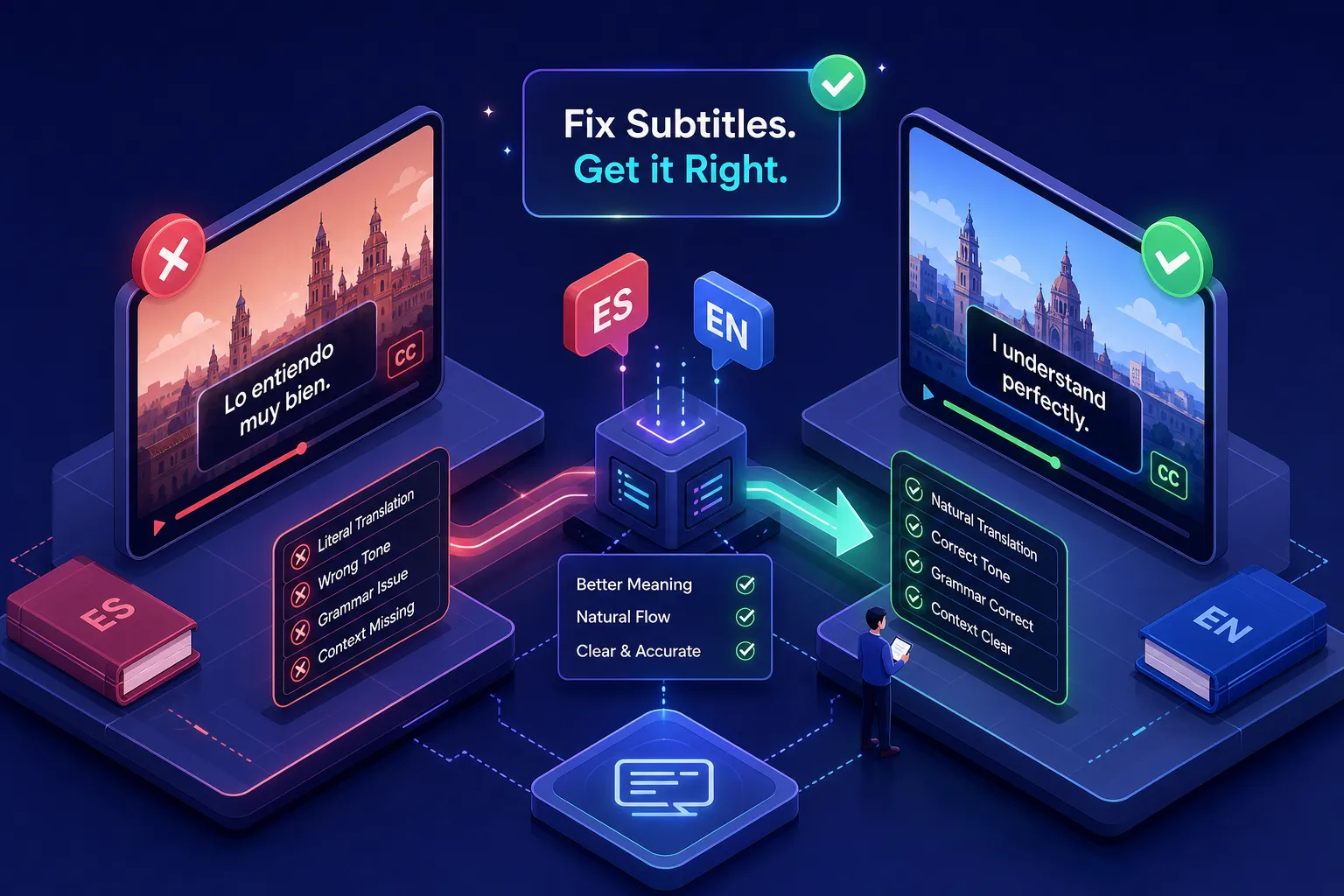
The eight mistakes that get Spanish to English subtitle files rejected are false friends, literal idiom translations, number format mismatches, bad line breaks, timing errors, inconsistent speaker labels, skipped localization decisions, and style guide violations. Each one is avoidable, and most can be caught systematically before your file reaches a client. The errors cluster into three layers: translation choices, formatting decisions, and compliance gaps. Understanding which layer each mistake belongs to tells you exactly where to fix it in your workflow.
This article walks through each mistake in order, from the translation layer through formatting and QA, with practical fixes at every step. VideoText's tools apply supported rules to subtitle files and flag cues that require review. For the translation choices, you need a clear workflow and a solid understanding of where machine output reliably breaks down. If you want a quick reference as you read, the Spanish to English subtitle QA checklist in the style guide section gives you a category-by-category summary you can use before every delivery.
Key takeaways
- False friends are silent errors: Machine translation produces grammatically clean but factually wrong subtitles when it hits words like "embarazada" or "sensible." Build a reference list and check every cognate.
- Line breaks need syntactic logic: Breaking a subtitle mid-phrase forces viewers to reread. Always break at natural linguistic boundaries, not just character count.
- Localization is a decision, not a default: Latin American Spanish and Castilian Spanish are different source dialects, and the target English must match the platform's regional expectations.
- Style guide compliance is the final gate: A rule violated consistently across a long file often creates substantial rework compared with fixing it during QA.
- Automated QA closes the gap: Per-rule QA reports surface formatting violations, label inconsistencies, and line length errors across the full file, not just the sections you happened to reread.
What translation errors show up most in Spanish to English subtitle work?
Machine translation handles common sentence patterns reasonably well, but it runs into trouble in three specific areas that matter for subtitles. These errors happen before you've touched a single formatting setting, and they're the hardest to catch because they look correct on the surface.
1. False friends that silently flip the meaning
False friends are Spanish words that look like English words but carry a different meaning. "Embarazada" is not "embarrassed", it means "pregnant." "Sensible" is not "sensible", it means "sensitive." "Éxito" is not "exit", it means "success," which can reverse the intended meaning of an entire title card. Machine translation engines treat these as confident matches, producing subtitles that are grammatically clean but factually wrong. The fix is to maintain a personal false friends reference list and cross-check any cognate during post-editing, especially in dialogue involving emotion, health, or legal language. When you translate Spanish to English for a professional delivery, that reference list is your first line of defense.
2. Idioms that go literal instead of natural
"Tomar el pelo" rendered literally gives you "to take the hair," when the intended meaning is "to pull someone's leg." DeepL handles common Spanish idioms better than Google Translate, 89% accuracy versus 86% in one study on Spanish idiom translation, but both tools fall short when idioms are modified or heavily contextual. The professional fix is to identify idiomatic phrases during post-editing, check regional usage in WordReference forums where native speakers debate competing translations, and substitute a natural English equivalent with the same register. Carrying the literal meaning through is a fast way to get a revision request.
3. Number and date formats that confuse English viewers
Spanish uses a period as a thousands separator and a comma as a decimal separator, the reverse of standard American English. Dates follow day/month/year order. When machine output carries these conventions into the English subtitle file, viewers see "1.500" and read it as one point five, not fifteen hundred. Build a formatting rule into your post-editing pass: convert all numbers, dates, and currency figures to the client's target locale before export. Online Spanish translator tools and Spanish to English translation tools such as DeepL and Google Translate won't catch this automatically, so it must be part of your manual review step.
Which subtitle formatting mistakes make Spanish-to-English work look amateur?
Mistakes 4 and 5 happen after the translation is correct. The words are right, but the subtitle file still fails because the formatting breaks how viewers read. These errors are structural, and they're exactly the kind that QA tools are built to catch.
4. Line breaks that cut phrases at the wrong point
A subtitle that reads "She told me she was going / to leave tomorrow" forces the viewer's eye to jump mid-phrase on every read. English subtitle convention places line breaks at natural syntactic boundaries: after a conjunction, before a prepositional phrase, or between subject and predicate. Spanish-to-English translated subtitles are especially vulnerable here because sentence structure shifts between languages, so a clean line break in the Spanish source often falls in the wrong position after translation. Post-editors need to review every multi-line cue for syntactic break placement, not just character count. The Netflix English-language guide specifies a maximum of 42 characters per line and two lines per cue, with breaks that never split an article from its noun or a verb from its auxiliary.
Here's a quick before/after to illustrate the fix:
| Before (bad break) |
After (corrected break) |
She told me she was going
to leave tomorrow. |
She told me
she was going to leave tomorrow. |
I didn't know you were
already home. |
I didn't know
you were already home. |
5. Timing that races ahead of or lags the speaker
English renderings of Spanish dialogue usually run shorter than the original, so a cue carried over from the Spanish timing normally leaves enough reading time. The timing problems come from the exceptions: a line expanded for clarity, or two short Spanish cues merged into one English cue, can carry more text than the original timing allows viewers to read. The professional standard for general US audiences is to verify that each cue meets a reading speed of roughly 15 to 17 characters per second, with 20 CPS treated as an upper limit rather than a target. To reduce flicker and avoid abrupt transitions, follow your target platform's cue-gap guidance for minimum spacing between cues.
How do speaker labeling and localization choices affect subtitle quality?
Mistakes 6 and 7 are decisions, not oversights. Many subtitle professionals skip them under time pressure, and both create client friction or outright rejection. Getting these right requires knowing what the client expects before you start, not after you've finished.
6. Inconsistent or missing speaker labels in English subtitles
When a Spanish source file labels speakers and the English output strips those labels or applies them inconsistently, the client receives a file that doesn't match their style guide. Speaker label format varies significantly by client: streaming SDH files commonly use square brackets with lowercase generic descriptors like [man] or [offscreen voice], while broadcast captions may use a name followed by a colon, and educational files often place labels on their own line in parentheses. Confirm the client's speaker label convention before post-editing begins, then apply it uniformly across every cue where identification is needed. The same person should not alternate between [doctor], [Dr. Lee], and [LEE] without an explicit reason in the guide.
7. Ignoring localization: dialect, register, and regional vocabulary
"Spanish to English" is not one translation path, it's many. Latin American Spanish from Mexico City reads differently than Castilian Spanish from Madrid, and "Latin American Spanish" is not a single uniform dialect either: Mexican, Caribbean, Andean, and Rioplatense speech differ in vocabulary, idioms, and forms of address. A subtitle for a Mexican production delivered to a US streaming platform should use American English vocabulary, US number formatting, and an English register that matches the original show's tone. Skipping this decision produces subtitles that are technically correct but tonally off, and clients who serve regional audiences will reject them. Identify the source locale and the target regional standard before you begin, and document both in your project notes. When in doubt, a Spanish English dictionary or regional usage guide can help you confirm vocabulary choices for the right dialect.
What happens when you skip the style guide compliance check?
Mistake 8 is structural: delivering a file without verifying it against the client's specific requirements. Style guides for Spanish-to-English subtitle work typically specify maximum characters per line, maximum lines per cue, cue duration limits, number and punctuation formatting, filler word handling, and speaker label format. A rule violated consistently across a long file often creates substantial rework compared with fixing it during QA.
Spanish to English subtitle QA checklist
A reliable pre-delivery checklist covers four categories. Work through each one before every export:
- Translation accuracy: False friends cross-checked, idioms replaced with natural English equivalents, number and date formats converted to target locale
- Formatting compliance: Line breaks at syntactic boundaries, character limits met (max 42 per line), timing verified at 15–17 CPS with platform cue-gap guidance followed
- Labeling consistency: Speaker labels present wherever required, uniform format applied throughout, on-screen text handled per style guide
- Style guide rules: Client-specific punctuation, filler word treatment, capitalization, and any platform-specific rules confirmed and applied
Working through each category manually on a long subtitle file is slow and error-prone. Teams that build a systematic QA pass into every job catch these violations before the file ships, not after the client reviews it.
How VideoText catches Spanish to English subtitle mistakes before your files leave your desk
VideoText is an AI-powered transcription and subtitle editing platform for subtitle professionals and transcriptionists. For Spanish-to-English subtitle work, it addresses the formatting and compliance layer directly through two core workflows.
With VideoText's Guideline Format tool, you upload the client's style guide in PDF, DOCX, TXT, or Markdown format, and the platform applies supported rules to your subtitle file automatically. Users can standardize speaker labels, filler words, number formatting, and other supported transcription conventions. The tool automates many of these checks and flags cues that require manual review, covering the compliance dimension of mistake 8 and the formatting dimensions of mistakes 3 and 6.
VideoText also generates a per-rule QA report that shows which rules were applied cleanly, which cues were flagged for review, and which rules the system could not apply automatically. For Spanish-to-English jobs, this report makes it straightforward to audit number format compliance, speaker label consistency, and line length violations across the entire file. The Fix Subtitles workflow then lets subtitle editors review and correct flagged cues directly within the platform, and export the repaired file in SRT or VTT format.
VideoText offers free access to selected tools and a paid Pro subscription for professionals managing recurring subtitle workloads.
Frequently asked questions about Spanish to English subtitles
How long should an English cue be after translating from Spanish?
English subtitles for general US audiences should read at roughly 15 to 17 characters per second, with 20 CPS as an upper limit. Because English translations of Spanish dialogue are often shorter, the Spanish timing usually leaves enough reading time, but don't carry it over unchecked: verify the reading speed of any cue you expanded or merged during translation.
What's the best Spanish to English translation tool for subtitling?
DeepL and Google Translate are the most widely used options for a first machine draft. Use them to get an initial pass, then post-edit for idioms, false friends, number formats, and register. Neither tool replaces a human review step for professional subtitle delivery.
How do I build a Spanish to English subtitle QA checklist?
Organize your checklist around the three error layers: translation (false friends, idioms, number formats), formatting (line breaks, character limits, timing), and compliance (speaker labels, localization, style guide rules). The checklist in the section above gives you a ready-to-use version of that structure.
Why do Spanish-to-English subtitles get rejected even when the translation is accurate?
Accurate translation isn't enough on its own. Files get rejected for formatting violations (wrong line breaks, exceeded character limits), inconsistent speaker labels, localization mismatches (wrong dialect or register for the target audience), and style guide non-compliance. All four categories need a dedicated check before delivery.
Can I use machine translation without post-editing?
Not for professional delivery. Even the best automated Spanish to English translation tools miss idioms, produce false friend errors, and carry over source-language number and date formats. A post-editing pass for all eight mistake categories covered in this article is a minimum standard for client-ready subtitle files.
Build a consistent process and rejection rates drop
The eight mistakes in this article cluster into three layers: translation (false friends, idioms, number formats), formatting (line breaks, timing), and compliance (speaker labels, localization, style guides). Each layer requires a different step in the workflow. Machine translation with DeepL or Google Translate handles the first draft when you need to translate Spanish to English at scale; human post-editing handles the nuance, idiom equivalents, and localization decisions; and a tool like VideoText handles the formatting compliance and QA that clients actually check on delivery.
The professionals who avoid revision cycles aren't necessarily faster translators. They've built a consistent process that catches each category of mistake before the file ships. Apply the same structure to your Spanish-to-English subtitle workflow, and you stop discovering errors in client feedback and start catching them yourself.
If you're ready to bring automated QA into your subtitle process, check and repair your file in Fix Subtitles or apply your client's style guide with Guideline Format to see how both workflows fit your current setup.