Remove Audio from Video — Mute MP4
Strip the sound out of a video. The picture is copied as it is, with no re-encoding, so the muted video looks exactly like the original.
Muting a video with speech? Get subtitles from the original first →
Choose a video or drop it here
MP4, MOV, WebM, MKV, AVI — processed in your browser, never uploaded
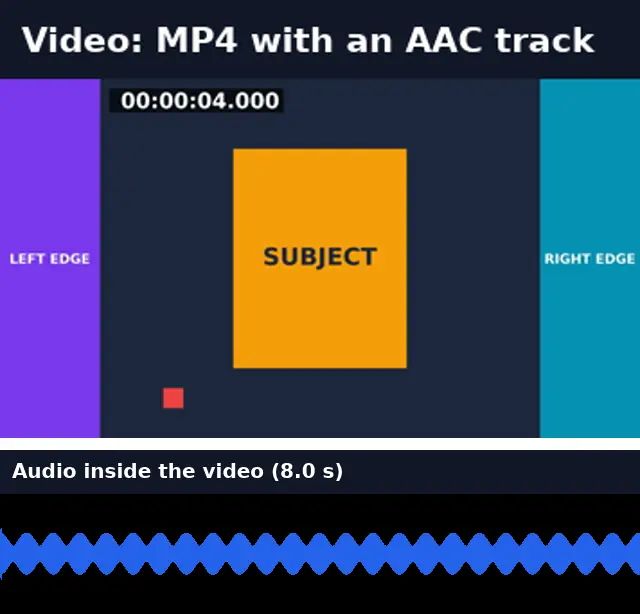
Before and after: the sound is gone, the picture is untouched
We removed the audio from an 8-second MP4 and compared the video stream by checksum: identical.
Before
After
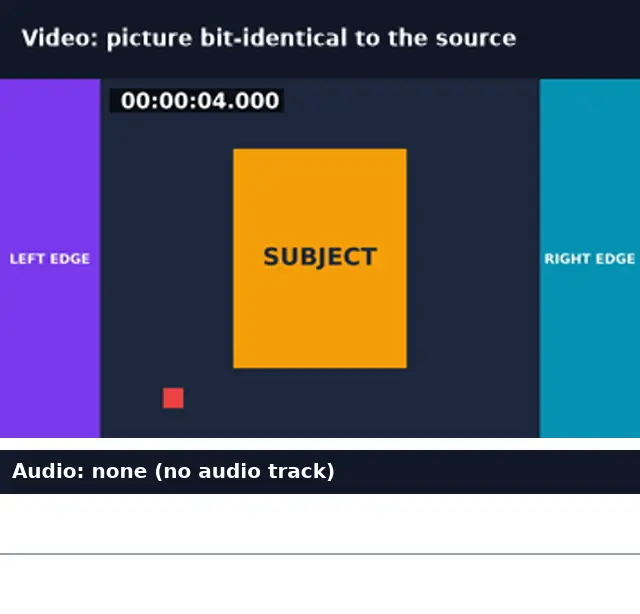
Real run of this tool in Chrome on an 8-second 1920×1080 test clip with a burned-in timecode, measured with ffprobe. No mock-ups.
Remove vs replace vs turning the volume down
Removing the track is different from silencing it.
| Remove audio (this tool) | Replace audio | Volume to zero in an editor | |
|---|---|---|---|
| Audio track in the file | None | Your new track | A silent track |
| Picture re-encoded | No | No (MP4/MOV) | Usually yes, on export |
| Speed | Seconds | Seconds | Real-time export |
| Players show a volume control | Some hide it | Yes | Yes |
A silent video can’t be transcribed
Subtitles and transcripts are made from speech, and a muted video has none. If the video has dialogue you want on screen, generate subtitles from the original first, then burn them into the muted version. The next step after removing audio does exactly that.
Remove Audio: troubleshooting
- The file is the same size as before
- Audio is usually a small part of a video file; the picture makes up most of the size.
- Some players still show a speaker icon
- Some players show it regardless. The file has no audio track.
- I wanted to keep some of the sound
- Use Add Audio to Video with Mix to put new sound under, or trim the video instead.
Privacy and file limits
FFmpeg runs inside this browser tab, so your files are never uploaded. There is no account, watermark, or usage limit; the size limit is your device’s memory: about 750 MB on a laptop and 250 MB on a phone. Re-encoding long videos can take minutes, and the page shows an estimate first.
How to use Remove Audio
- 1
Choose a video
MP4, MOV, WebM, or MKV.
- 2
Remove the audio
The video stream is copied without its sound track.
- 3
Download
Same format, same quality, no sound.
Frequently Asked Questions
- Does removing audio reduce video quality?
- No. The video stream is copied, not re-encoded; our checksum test showed it identical to the source.
- Can I mute only part of a video?
- Not here: the whole sound track is removed. Trim the part you want muted into its own clip, mute it, and merge the clips.
- Is the muted video smaller?
- Slightly. In our test, removing a 127 kbps audio track took an 8-second file from 266 KB to 135 KB.
- Can I still get subtitles for the video?
- Yes, from the original with sound. A muted video has no speech to transcribe, so the next step sends the original.
- Which formats keep their format?
- All of them: the output is the same container as the input (MP4 stays MP4, MOV stays MOV).
Most social video is watched on mute
Muted video, words on screen
Generate subtitles from the original audio and burn them into the muted video, so the message survives without sound.
- ✓Timed SRT and VTT subtitles from the speech in your video
- ✓Translate the subtitles into any of 104 languages
- ✓Burn styled captions in for TikTok, Reels, and Shorts